 Screen
 Camera
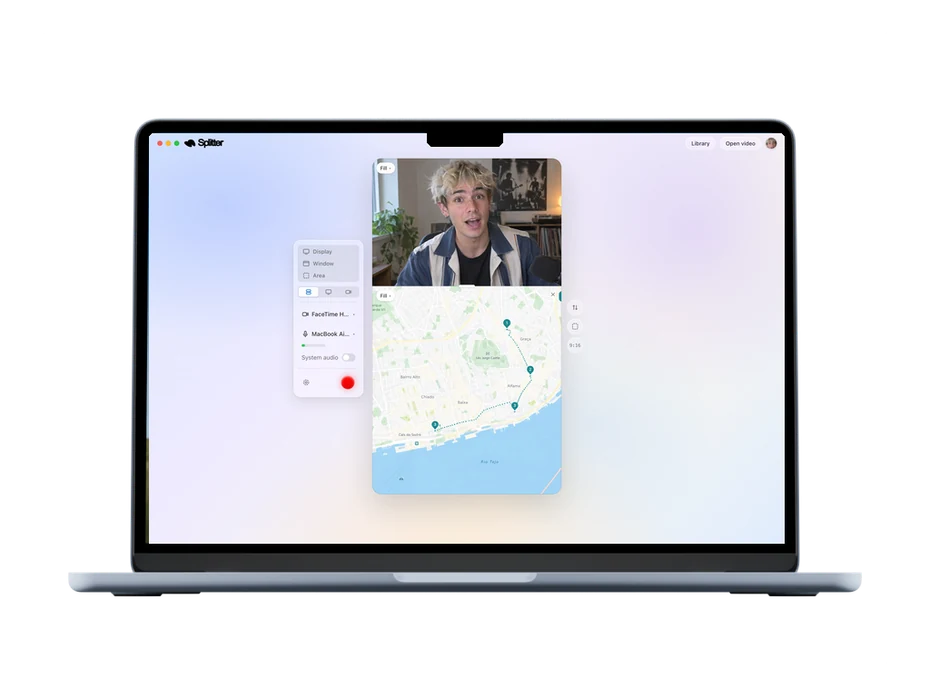
Split-screen, in 9:16
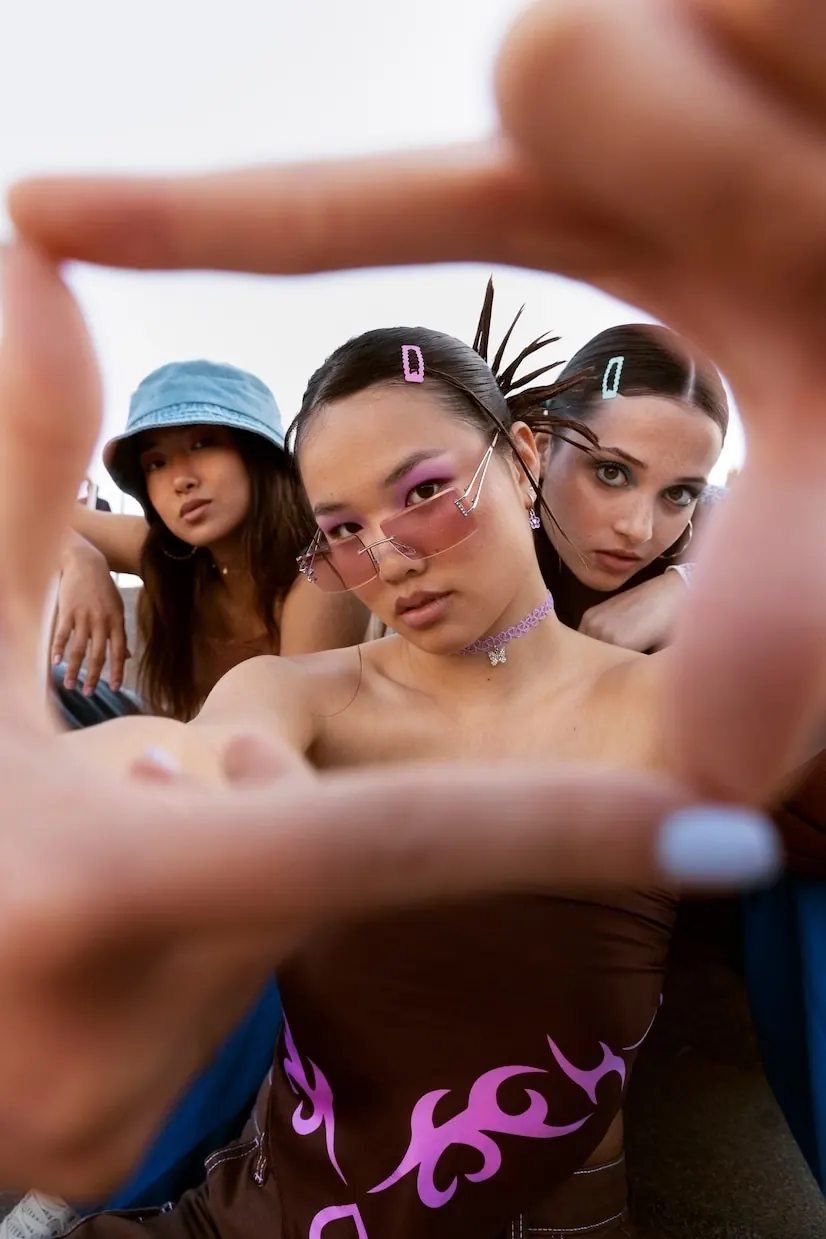
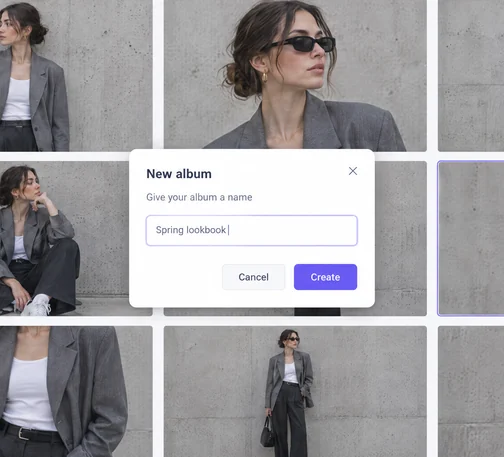
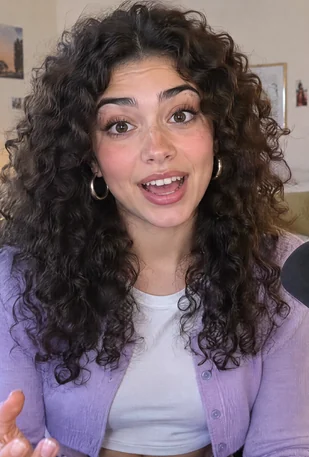
Camera on top, screen below, framed for Reels, TikTok and Shorts as you record. No cropping afterwards.
Record split-screen videos with AI-powered edits, built for the feed, not coworkers.



no credit card required
ScreenCameraCamera on top, screen below, framed for Reels, TikTok and Shorts as you record. No cropping afterwards.


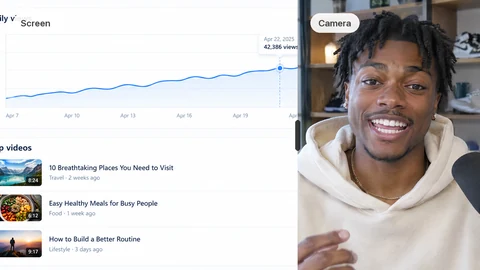


Splitter follows what you do on screen and zooms where you click, cuts the dead air, and paces the scenes for you. With Splitter Studio.
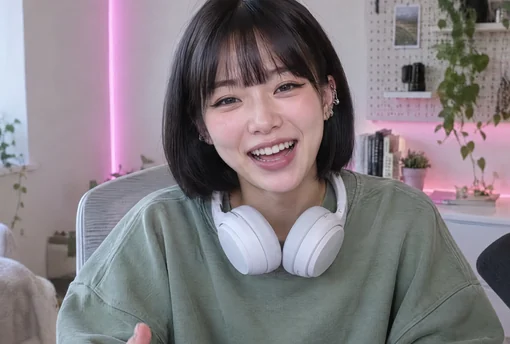 Camera
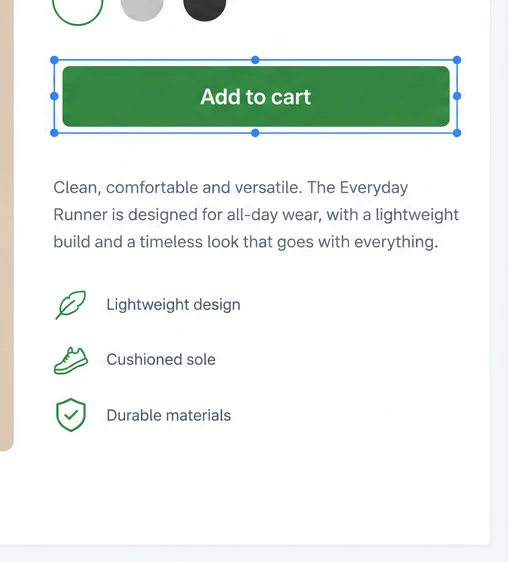 Screen
The Mac's cursor is left out of the take and drawn back in at any size, with a ring on every click if you want one.
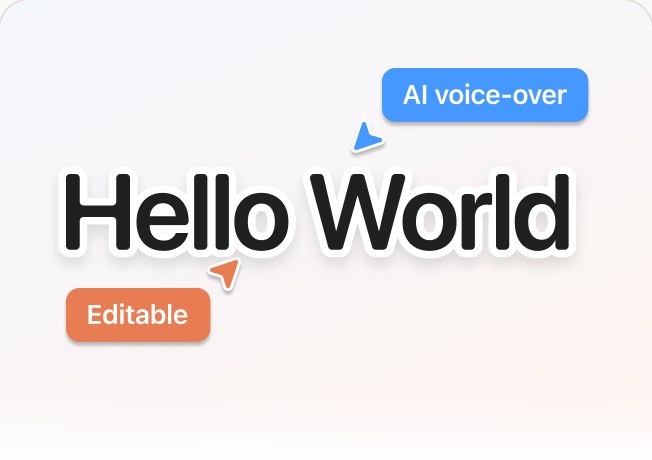

Auto captions in your language and an AI voice-over when you'd rather write than talk.


Generated music that fits the length of your video, film burns and sound effects on the cuts.

Recording and editing happen on your machine. Footage stays on it; only the AI features call out, with just what they need.
Pick your camera and a display or window. Splitter stacks them in a 9:16 frame and records both at once.
One click. Zooms follow your pointer, pauses fall away, scenes get their own pace. Adjust anything in the timeline. With Splitter Studio.
Export in 1080p or 4K and drop it straight into Reels, TikTok or Shorts. The whole thing rendered on your Mac.
Unlimited recordings
Free forever*
 Download for Mac
 Unlimited recordings and edits1080p export with a small Splitter markCamera backdrops, notes and your own voice-over
*Free forever refers only to the features listed in this tier

Unlimited recordings
$59
once, yours forever Exports without the watermark, up to 4K 60fpsFilm burns and sound effectsGenerated music and the AI voice-overAuto captions in your languageEvery future update included
Add-on Splitter Studio
+$20 a month
AI Auto edit (fair use), 100 GB of cloud storage, an editor seat
Add StudioYes. Splitter is a Mac app, for Apple silicon and Intel Macs on macOS 13 or later. There is no Windows or web version for now.
Not unless you choose to. Recording, editing, captions and export all run on your machine. Auto edit sends the transcript and up to 36 small stills of the screen, the generated music and the voice-over send your text, and your project settings sync if you sign in. The recordings themselves go to the cloud only when you back a project up with Splitter Studio, and are stored in the EU.
Recording, cutting, zooms, camera backdrops, notes and your own voice-over are free, with exports in 1080p that carry a small Splitter mark. Pro is $59 once: exports without the mark up to 4K, film burns and sound effects, generated music, the AI voice-over and auto captions, and every future update. Auto edit, cloud storage and an editor seat are Splitter Studio, $20 a month, on top of Pro. Auto edit in Studio is fair use: past a monthly ceiling a run costs credits, sold from $5 for 500. Prices are in US dollars.
Pro is not: you pay once and keep it forever, updates included. Splitter Studio is the optional monthly add-on for Auto edit, the cloud and an editor seat, and you can cancel it any time.
No. Download the app and record. You sign in only to buy Pro or to sync your project settings between Macs.
9:16 for Reels, TikTok and Shorts is the default, with camera over screen. A 16:9 layout is there too for YouTube and the web.
Yes. Splitter has an MCP endpoint, so Claude or another assistant can drive a recording for you. Connect one at splitter.studio/connect.
The app checks for new versions itself and installs them when you say so. Nothing to download by hand.

Splitter for Mac. Free to try, no account needed to record.
 Download for Mac